

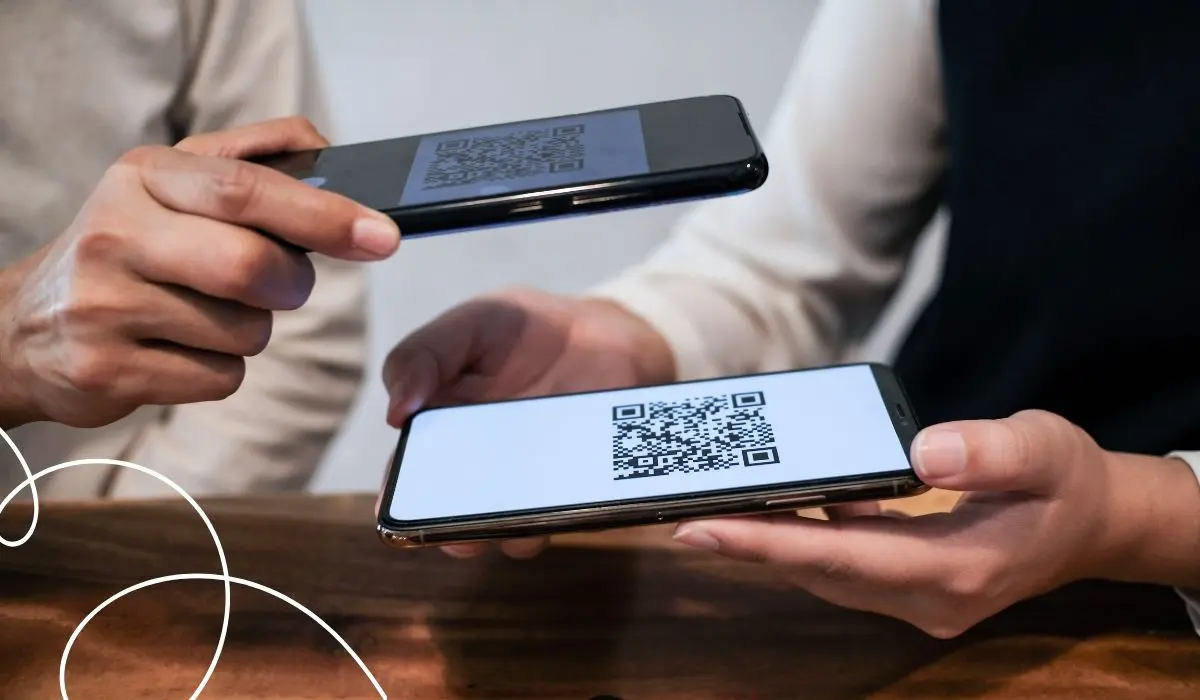
All it takes is a photo of the receipt, and the points are automatically added to your account. That's exactly what QR codes do in modern customer loyalty apps.
The receipt scan is the most practical feature. Customers don't need a loyalty card or a linked payment method—a single scan is all it takes.
This post shows you how the invoice scanning feature works in the app, where else QR codes can be useful, and what mistakes you should avoid.
Invoice Scan: The Most Important QR Feature in the App
When a receipt is scanned, the register transfers all the important data into a QR code on the receipt. The amount, store location, and timestamp are encoded in it. Customers then simply scan this code using the camera in the app.
Here's How Invoice Scanning Works, Step by Step
- The customer pays for the purchase as usual at the register.
- The receipt printer automatically generates a unique QR code on the receipt.
- The customer opens the loyalty app and selects the scan feature.
- The camera scans the QR code on the receipt.
- The system checks the transaction and verifies that it complies with the points rules.
- The points will be credited to the customer's account within a few seconds.
For this to work, the point-of-sale system simply needs to be able to print the QR code. A complete Integration with the cash register A system with continuous data exchange is not strictly necessary for this, even though it offers more possibilities in the long run.
| Method | Effort on your part | What Customers Need to Do | Real-time credit? |
|---|---|---|---|
| Invoice Scan via QR Code | Low, adjust only the receipt printer | Scan the receipt after purchase | Yes |
| Direct POS Integration | High; technical connection required | No extra steps—points are awarded automatically | Yes |
| Photo Upload Without a QR Code (Text Recognition) | Low, but requires more testing effort | Upload a photo of the receipt | No, usually delayed |
Other Uses for QR Codes in the App
In addition to invoice scanning, QR codes can be used in other areas of the loyalty program. For example, they can be used to supplement a digital loyalty card or make it easier to get started with the app.
Registration and Onboarding
A QR code at the checkout area takes you directly to the app's sign-up page. Customers don’t have to type in a URL. According to the DACH Loyalty Report 2026, 73.8 % of respondents would switch from an analog to a digital program if an alternative were available. The QR code makes this switch easy.
Show the QR code at the register (staff scan)
With some systems, the process works the other way around: Employees scan the QR code from the customer’s app. This is useful when the register is directly connected to the loyalty system and points need to be credited immediately.
Redeem Rewards
82.4 % of consumers in the DACH region believe it is important for benefits to be quickly visible and immediately redeemable. In the app, all it takes is a scan, and the reward is activated right away.
Static vs. Dynamic QR Code
| Characteristic | Static Code | Dynamic Code |
|---|---|---|
| Can the content be changed? | No, hard-coded | Yes, it can be adjusted at any time |
| Is tracking possible? | No | Yes, scans, time, device |
| Use in the Loyalty Program | Simple Links | Invoice Scanning, Campaigns, Points Assignment |
| Is a reprint necessary if changes are made? | Yes | No |
Recommendation: To scan receipts, you absolutely need dynamic codes; each receipt is assigned its own unique code. The same recommendation applies to anything beyond that, such as campaigns.
Best Practices for Implementation
- Promote invoice scanning prominently: A note on the receipt or on the register screen reminds customers to scan their items.
- Placement in Context: Always include a brief note explaining what happens during scanning.
- Size and Contrast: The receipt must also be at least 2 × 2 cm, with dark text on a light background; otherwise, the camera will have trouble scanning it.
- Optimize your landing page: Optimized for mobile, fast-loading, with no detour through the home page.
- Dynamic codes for campaigns: Here's how to track which channel gets more scans.
- Connect to the system: A QR code alone doesn't build customer loyalty; it has to be integrated into a system.
- Testing Before Printing: Test on iOS and Android before posting the code.
When Using a QR Code Loyalty Program in the App Is the Right Approach
| Scenario | Is a QR code useful? | Why |
|---|---|---|
| Connection to a cash register is not possible or desired | Yes | Invoice scanning eliminates the need for POS integration |
| Simple Stamp Card | Yes | Low barrier to entry, quick setup |
| Registration for the Loyalty Program | Yes | More convenient than entering a URL |
| Complex point system with levels | Conditionally | QR code for access; app required for management |
| Offline Business Without Digital Infrastructure | Yes | First digital touchpoint without high costs |
| Online Store | No | Logging in directly to the store is easier |
Common Mistakes with In-App QR Code Loyalty Programs
- The QR code on the receipt is too small: Customers can hardly scan it.
- Codes are not valid only once: Allows multiple scans of the same receipt and enables fraud.
- No explanation: A QR code on its own means nothing to customers.
- Static codes for changing actions: Leads to unnecessary reprinting.
- Landing page not optimized for mobile: Significantly increases the bounce rate.
- There's no system behind it: Registration without a return channel comes to nothing.
What matters is not the code itself, but the system and the communication behind it.
Checklist: How to Properly Implement QR Code Loyalty in Your App
- Goal defined: Receipt scan, registration, points, or coupon?
- Can a receipt printer generate custom QR codes?
- Is there a system behind it that manages points?
- Is there an expiration period for codes, as a safeguard against multiple scans?
- Is dynamic code used for tracking?
- Is placement planned, including an explanatory note on the receipt?
- Has the landing page been tested on mobile devices?
- Is the team informed and involved?
If your loyalty program supports digital cards, the QR code is also an ideal way for customers to access their Loyalty Card Directly in Apple Wallet or Google Wallet have it added. Here's how to link your receipt scan and digital loyalty card in one app.
Conclusion
Thanks to receipt scanning, QR codes are the easiest way to earn points. All customers need is their app and the receipt.
Anyone who combines invoice scanning with registration and redemption via QR code covers the most important aspects of the loyalty program—all without the need for a complex integration with the point-of-sale system.
Frequently Asked Questions
How exactly does the invoice scanning feature work in the app?
During the checkout process, the receipt printer generates a unique QR code on the receipt. The amount, store, and timestamp are encoded within it. Customers then scan the code using the camera in the app; the system verifies the transaction and automatically credits points according to the established rules.
Do I need a connection to a point-of-sale system to scan receipts?
No, not necessarily. The receipt printer just needs to be able to print a QR code on the receipt. A full, permanent data connection between the register and the loyalty system is optional and is particularly beneficial if you plan to implement additional automation.
How can I protect myself from fraud when scanning invoices?
Use dynamic, one-time codes with a clear expiration time—typically 24 to 48 hours. This prevents the same receipt from being scanned multiple times or an old receipt from being redeemed retroactively. It’s also a good idea to automatically verify the codes against the actual point-of-sale data.
Do I need my own app to offer QR code loyalty?
For invoice scanning and other advanced features, a dedicated app is the most practical solution because it brings together the camera, rewards account, and communication in one place. While simple features, such as basic registration, can also be implemented via web landing pages, an app has a clear advantage when it comes to push notifications or gamification.
Which industries are particularly well-suited for invoice scanning?
This approach works particularly well in industries with high foot traffic and in-person interactions, such as bakeries, cafés, restaurants, retail stores, and hair salons. In these settings, scanning receipts lowers the technical barrier to entry because no connection to the point-of-sale system is required—just a receipt printer with a QR code function.
Are QR codes secure for customer data?
The QR code itself does not store any permanent customer data; it merely refers to an encrypted transaction or triggers an action within the app. Data security depends on the system behind it. Make sure that data is transmitted securely and that customers are clearly informed about what data is being collected.
Which is better for loyalty programs: QR codes or NFC?
Both technologies have their strengths. QR codes work with any smartphone without requiring special hardware at the point of sale, making them ideal for scanning receipts. NFC is faster during the scanning process but requires NFC-enabled terminals. For most small and medium-sized businesses, QR codes are the more practical option because they are less expensive and work everywhere.